
Install BRT
Being Renewed Together — your daily Bible reading & renewal tool
🤖 ANDROID — INSTALL NOW
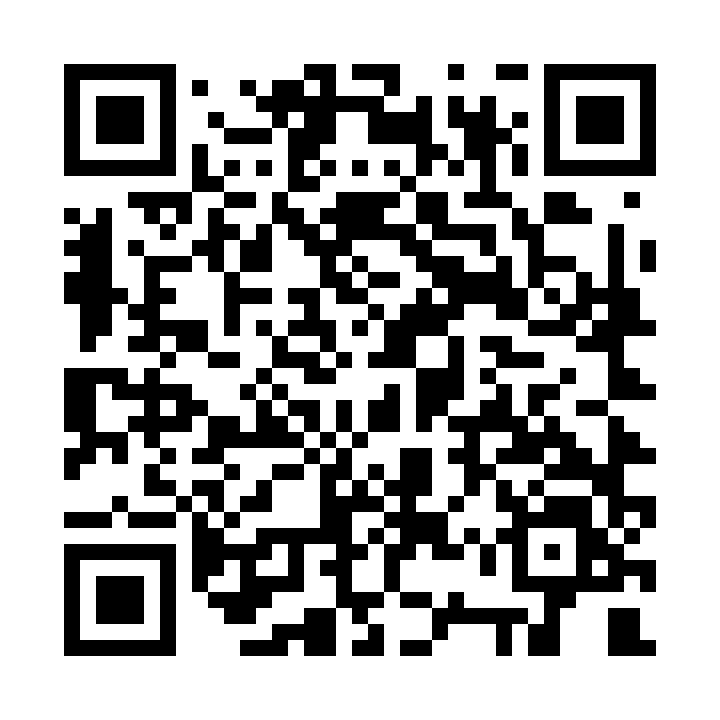
⬇ Download for AndroidVersion 1.0.0 · ~24 MB · Android 5.0+
How to install
- 1Tap “Download for Android” above.The
brt.apkfile starts downloading. If your browser asks because the file “might be harmful”, choose Download anyway — this is normal for any app installed outside the Play Store. - 2Open the downloaded file.Tap the download notification, or find
brt.apkin your Downloads and tap it. - 3Allow the install, then tap Install.If asked, allow your browser to “install unknown apps” for this once. If a Play Protect notice appears, choose Install anyway — this is normal for apps installed outside the Play Store.
- 4Open BRT and sign in.Use the account your church set up for you, or register and wait for approval.
🍏 ON iPHONE OR iPAD?
The iPhone version is on its way via Apple TestFlight. Leave your name and Apple ID email and we'll send you an invite to install it as soon as it's ready.
By installing you agree to our Privacy Policy. © 2026 Your Neighbourhood Church.